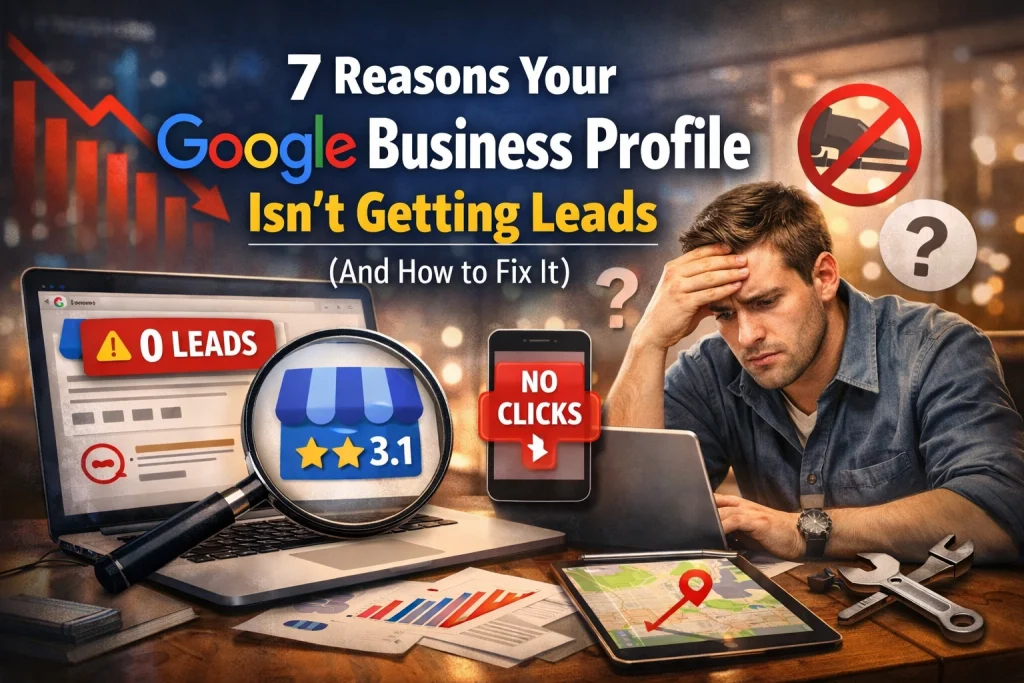
In today’s fast-paced digital landscape, your Google Business Profile (GBP) is often the first, and sometimes only, impression a potential customer has of your business. It is your digital storefront. If your profile is stagnant, incomplete, or optimized poorly, you aren't just losing visibility; you are handing leads directly to your competitors.
At TX Digital Marketing, we see small businesses struggle with this daily. They have a great product or service, but their phone isn't ringing. Usually, the culprit is a neglected Google Business Profile. If you’re wondering why your local reach has stalled, this guide will break down the seven most common reasons your profile is failing to generate leads and, more importantly, exactly how to fix it.
Table of Contents
- Incomplete Profile Information: The Silent Conversion Killer
- Inaccurate or Inconsistent NAP Data
- Poor Primary and Secondary Category Selection
- A Business Description That Lacks Search Intent
- The Visual Void: Low-Quality or Missing Media
- Ignoring Customer Interaction and Review Management
- Failing to Use Product and Service Features
- Next Steps: Auditing Your Local Presence
1. Incomplete Profile Information: The Silent Conversion Killer
The most common reason for a lack of leads is simply an incomplete profile. Google’s algorithm prioritizes profiles that provide a "complete" user experience. If a potential lead lands on your profile and can’t find your hours, your service area, or a link to your website, they will bounce instantly.
The Fix:
Audit every single field in your GBP dashboard. Ensure your business name, address, phone number, website URL, and hours are 100% filled out. Don't stop at the basics, add your "From the Business" attributes (e.g., veteran-owned, women-led) and accessibility features. A complete profile is the foundation of effective SEO services for any local business.

2. Inaccurate or Inconsistent NAP Data
NAP stands for Name, Address, and Phone number. Google’s algorithm cross-references your profile information with other data points across the web, such as Yelp, Facebook, and your own website. If your profile says "Street" but your website says "St.", or if you have an old phone number listed on a random directory, Google views your business as less trustworthy.
The Fix:
Conduct a local citation audit. Ensure your NAP data is identical across every platform. This consistency signals to Google that you are a legitimate, active business, which helps you rank higher in the "Local Map Pack." Consistency is a core pillar of a successful digital marketing strategy.
3. Poor Primary and Secondary Category Selection
Choosing the wrong category is a massive mistake that limits your visibility to the wrong audience. If you are a "Personal Injury Attorney" but you’ve only selected "Lawyer," you are competing in a much broader, more difficult pool. Conversely, selecting too many irrelevant categories can dilute your relevance.
The Fix:
Select the most specific Primary Category possible for your core business. Then, use Secondary Categories to capture related searches. For example, a specialized bakery should choose "Bakery" as the primary, but could add "Wedding Bakery" or "Cake Shop" as secondary categories. This ensures you appear in highly relevant, high-intent searches.
4. A Business Description That Lacks Search Intent
Many business owners treat the "Business Description" like a dry resume. They focus on how long they’ve been in business rather than what they can do for the customer. If your description doesn’t include the keywords your customers are actually searching for, you’re missing out on vital traffic.
The Fix:
You have 750 characters, use them wisely. Write a description that naturally integrates your primary services and location. Instead of saying "We provide plumbing services," say "We offer 24/7 emergency plumbing and drain cleaning in [Your City]." This speaks directly to the user's pain point while signaling relevance to Google.

5. The Visual Void: Low-Quality or Missing Media
Customers eat with their eyes first, and they buy with them too. Profiles with professional, high-quality photos receive significantly more clicks and requests for directions than those with no photos or grainy, dark images. If your profile only shows a Google Street View of your building, you are losing leads.
The Fix:
Upload at least 10–15 high-resolution photos. These should include:
- The exterior of your building (to help people find you).
- The interior atmosphere.
- Your team in action.
- High-quality shots of your products or completed projects.
Regularly updating your photos signals to Google that your business is active and thriving. For those in the retail space, this is just as vital as ecommerce marketing services are for online stores.
6. Ignoring Customer Interaction and Review Management
Leads are built on trust. If your profile has unanswered negative reviews, or worse, no reviews at all, customers will look elsewhere. Furthermore, many businesses ignore the "Questions & Answers" section, leaving potential leads to be answered by random internet users (who are often wrong).
The Fix:
Implement a proactive review acquisition strategy. Ask your happy customers for reviews and, more importantly, respond to every single one. A professional response to a negative review can actually win over a new lead by showing that you care about customer satisfaction. Additionally, treat the Q&A section like a FAQ page; post your own common questions and provide the authoritative answers yourself.
7. Failing to Use Product and Service Features
The "Products" and "Services" tabs are two of the most underutilized features on Google Business Profiles. These sections allow you to showcase exactly what you offer, complete with pricing and descriptions, before a user even clicks through to your website.
The Fix:
List every major service you offer with a clear, keyword-rich description. If you sell physical items, use the Product Editor to create a digital catalog within your profile. This gives Google more "surface area" to index your content and provides users with a seamless path to conversion.

Next Steps: Auditing Your Local Presence
Optimizing your Google Business Profile isn't a "set it and forget it" task. It requires consistent monitoring and updates to stay ahead of the competition. In a world where AI-driven search is changing how customers find local businesses, staying on top of these details is non-negotiable.
If you’re feeling overwhelmed by the technicalities of local SEO, we can help. At TX Digital Marketing, we specialize in turning invisible businesses into local market leaders. Whether you need a full website redesign or a targeted local search campaign, our team has the expertise to drive real, quantifiable results.
Ready to dominate the local map pack? Contact TX Digital Marketing today to schedule a consultation and see how we can scale your lead generation.
Frequently Asked Questions
How often should I post on my Google Business Profile?
Ideally, you should post once a week. These "Google Updates" act like mini social media posts and can highlight promotions, new blog posts, or company news.
Does my Google Business Profile affect my organic website ranking?
Yes. A well-optimized GBP is a strong signal for local SEO, which can positively impact how your website ranks in organic search results for location-specific queries.
Can I manage my profile if I don't have a physical storefront?
Absolutely. You can set up a "Service Area Business" profile, which allows you to define the areas you serve without publicly disclosing your home address.
Stay Ahead of the Competition
The digital marketing landscape changes every day. Don't let your business get left behind. Subscribe to our newsletter to receive the latest tips, tricks, and industry secrets directly to your inbox. Join hundreds of other business owners who are achieving better results through data-driven marketing.
Subscribe to the TX Digital Marketing Newsletter
TX Digital Marketing has over a decade of experience helping small to mid-sized businesses navigate the complexities of the digital world. From Shopify growth to advanced SEO, we deliver functional, affordable, and highly effective marketing solutions.